Choose the Main Action for Your Small-Business Homepage
Choose your homepage’s main action by asking what a visitor needs to do and what your business is ready to handle.
Choose your homepage’s main action by asking what a visitor needs to do and what your business is ready to handle. A call button, inquiry form and booking link are different invitations. Putting all three everywhere does not settle which should come first.
Match the action to the next decision
If you need to understand a job before discussing timing, an inquiry may be the useful first step. If the visitor needs a short conversation, make the phone route clear. A booking action should lead to the business’s actual approved booking path, rather than suggesting a confirmed appointment where only a request is collected.
Look at the page on a phone. The button label should describe what the visitor will actually do. “Tell us about the job” creates a different expectation from “Book now.”
Keep a secondary route for a different need
One main action does not mean hiding useful contact information. An existing customer with a question may need a phone number even when new inquiries use a form. Make the distinction clear rather than treating every visitor as a new sale.
Illustrative homepage choice
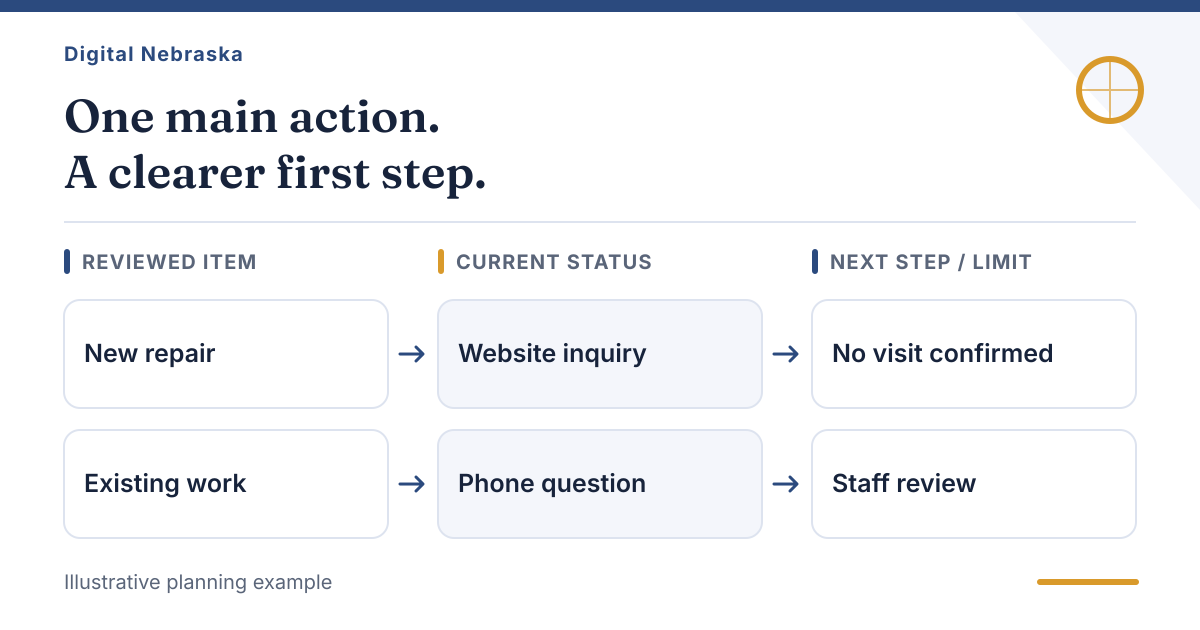
A fictional Nebraska repair business needs to understand the item and issue before discussing a visit.
| Visitor need | Page action | Boundary |
|---|---|---|
| Ask about a new repair | Send an inquiry with a short description | No diagnosis or visit confirmed |
| Ask about existing work | Call the business | Staff handle the specific question |
| Explore services | Read the service summary | No forced contact to learn the basics |
The homepage can now lead with the inquiry while keeping the phone route easy to find. This is a planning example, not a promise about conversion or included booking features.
Continue with the relevant guide
Related reading: Before a one-page website launch: a practical checklist; Turn a customer question into a useful service-page section.
Use the Website Launch details to check the site scope, or the Search & Content page to discuss separately scoped writing and search work. The existing contact form is the place to start.