How to reduce appointment no-shows without annoying customers
Confirm clearly, remind at the right moment, and make changing plans easier than simply not showing up.
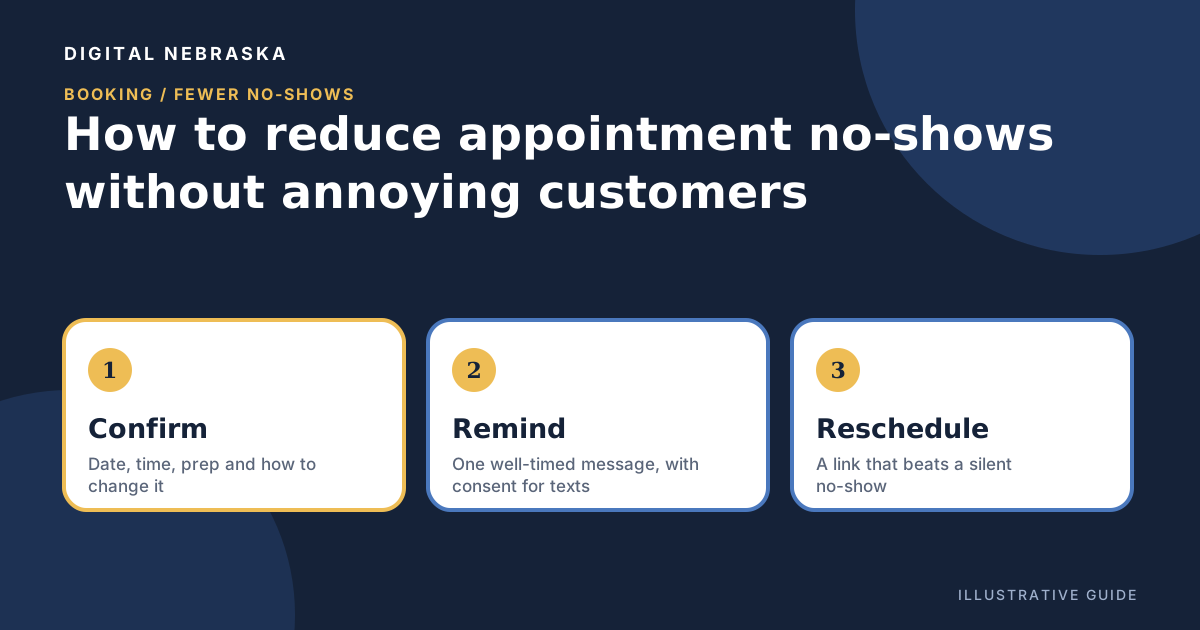
A no-show costs more than one empty slot. Someone prepped for the visit, another customer could have had that time, and the person who didn't show may feel too awkward to rebook. Most no-shows aren't rude; people forget, plans change, or rescheduling felt like more trouble than skipping. The fixes below are about making the right thing easy, without burying customers in messages.
Start with a clear confirmation
The reminder you send later only works if the original booking was clear. Right after someone books, send a confirmation that covers:
- The date, start time, and roughly how long it will take
- Where to go or, for on-site work, what time window to expect
- Anything to bring or prepare
- How to reschedule or cancel, and your policy if there is one
- A real way to reach you with questions
If you book over the phone, send the same confirmation afterward so the customer has it in writing.
Remind at the right time, on the right channel
One well-timed reminder usually beats several. A reminder the day before is a common starting point because it is close enough to remember and early enough to rearrange. For an early-morning appointment, the previous afternoon may work better. For a booking made weeks ahead, consider an extra reminder a few days out. Watch your own calendar and adjust.
Email works for nearly everyone and carries detail well. Text is quick to read, but it needs permission. CTIA's industry best practices describe appointment reminders as informational messages and say "A Consumer needs to agree to receive texts for a specific informational purpose when they give the Non-Consumer their mobile number." They also caution that "Adding a call-to-action (e.g., a coupon code to an informational text) may place the message in the promotional category," which calls for stronger, written consent. So ask clearly at booking, record the answer, honor STOP requests, and keep reminders free of sales pitches. This is general information, not legal advice; check with an attorney for your situation.
Make rescheduling easier than not showing up
Many silent no-shows are people who meant to call and never got around to it. Put a reschedule or cancel link in every confirmation and reminder, and make the wording friendly: "Plans change. If this time no longer works, pick a new one here." A customer who moves an appointment is still your customer. One who disappears may not be.
Keep a waitlist for the gaps
When someone does cancel, a waitlist turns the gap into an opportunity. Keep a short list of customers who asked for an earlier time, and reach out as soon as a slot opens. Be clear that waitlist offers are first come, first served, so nobody feels misled when a spot fills fast.
Set a fair cancellation policy, and use deposits where they make sense
A cancellation policy works best when it is simple, stated before the booking, and repeated in the confirmation. Decide how much notice you need, what happens with a late cancellation or a no-show, and when you'll make an exception for emergencies. Then apply it consistently.
For high-value bookings, such as a long appointment, a job that ties up a crew for a day, or work that requires ordering materials, asking for payment up front can be reasonable. Explain it plainly and say exactly how it applies if plans change. Before you charge anything, check your payment processor's terms and any rules where you do business, and ask a professional if you're unsure.
Follow up after a miss
When someone doesn't show, reach out the same day with a short, kind note: "We missed you today. Hope everything's okay. Here's a link to pick a new time." Skip the scolding. Note the miss on the customer's record so you can spot a pattern, and save firmer steps, like requiring payment at booking, for repeat no-shows.
For example, imagine a salon client who misses a Tuesday appointment because of a sick child. A warm same-day message with a rebooking link gives her an easy way back; a curt policy reminder might send her elsewhere. This is an illustration, not a real customer.
Digital Nebraska's online booking calendar covers much of this list: a booking page, email reminders 24 hours ahead by default or on your own timing, self-service reschedule and cancel links, a waitlist, Google and Outlook calendar sync, and paid bookings through your own Stripe or Square account. Text reminders run through a connected business texting account.
If you want to add texting, Digital Nebraska's text messaging provides a shared two-way inbox, text reminders, automatic STOP, HELP, and START handling, opt-out blocking, and a record of each contact's consent date and source. It is not built for mass text blasts, and it needs a business texting account and US carrier registration.
Want fewer empty chairs and idle crews? Tell Digital Nebraska how appointments get booked at your business today.