How to send follow-up emails customers actually want
A good follow-up answers the customer's next question; the federal basics keep your marketing email honest and easy to leave.
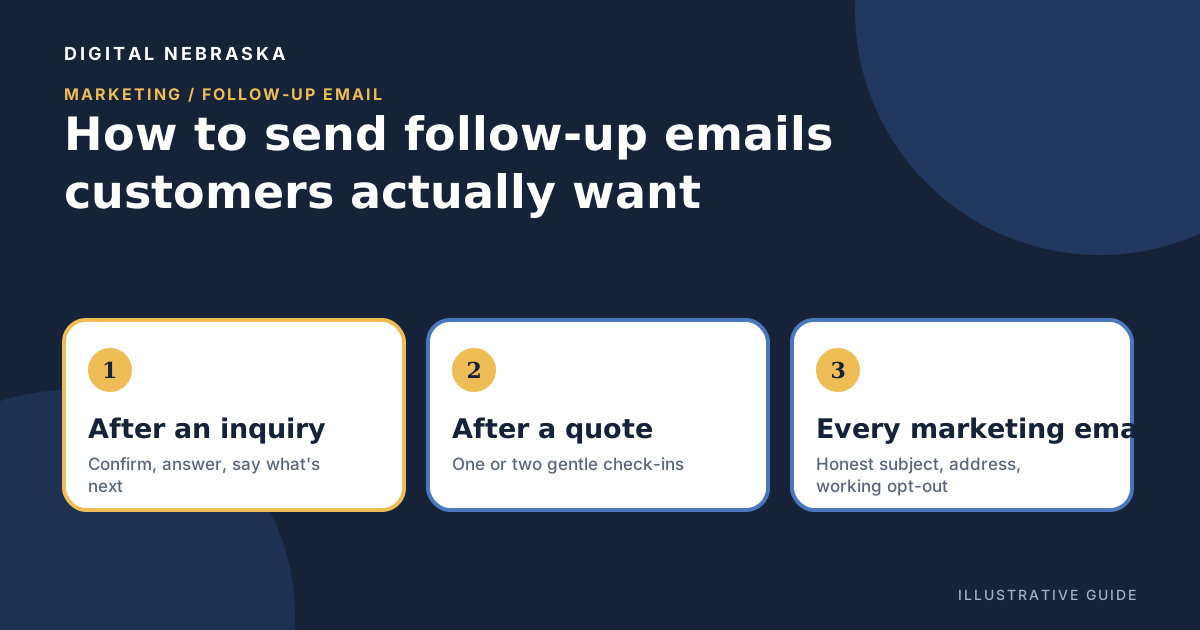
A good follow-up email feels like a neighbor checking in, not a sales pitch in your inbox. The customer asked you something, got a quote, or just had work done, and your note helps them take the next step. The trouble is that follow-ups are easy to forget when the day gets busy, and easy to overdo once you start automating them.
This guide covers what to send after three common moments, how welcome and after-purchase sequences fit in, the federal basics for marketing email, and how to tell when you are sending too much. It is general information, not legal advice.
Three moments that deserve a follow-up
After an inquiry
Someone filled out your form or emailed a question. The most useful follow-up is fast and specific: confirm you received it, answer what you can, and say plainly what happens next and who will be in touch. If you need details before you can help, such as an address, photos or preferred times, ask for them in one short list instead of a long back-and-forth.
After a quote
A quote is a decision the customer has not made yet. A follow-up a few days later can ask whether they have questions, restate what the quote includes, and mention any date it expires. Keep it to one or two gentle check-ins. If they say no or go quiet, a polite “we're here if plans change” closes the loop without pressure.
After a completed job
Once the work is done, a short note can thank them, share anything they need to know (care instructions, warranty details you actually offer, what to watch for), and invite them to reply if something isn't right. This is also a natural place to ask for an honest review, which we cover in our guide on asking for customer reviews the right way.
For example, imagine a heating and cooling shop that sends a two-line note the morning after a furnace repair: “Thanks for having us out. If the system acts up again this week, reply here and we'll put you first in line.” That is a follow-up a customer is glad to get.
Welcome and after-purchase sequences
A sequence is a short series of emails sent on a schedule after something happens, such as a new sign-up or a first purchase. Done well, it saves you from writing the same notes over and over.
- Welcome: thank them for signing up, tell them what kind of email to expect and how often, and point to one or two genuinely useful pages, like your service area or how to book.
- After purchase: confirm what they bought or booked, explain what happens next, and later check in to see how it went.
Keep each message focused on one idea. Stop the sequence when the customer replies or books, so they are not getting “Have you thought about it?” after they already said yes.
Permission and the CAN-SPAM basics
Asking before you add someone to a marketing list is good manners and keeps your list full of people who want to hear from you. A simple checkbox or a “Would you like our seasonal tips?” on your form does the job. The federal CAN-SPAM Act then sets rules for what commercial email must include. The FTC's CAN-SPAM Act compliance guide for business lists the requirements. In plain terms:
- Identify yourself honestly. Your “From,” “To,” “Reply-To” and routing information “must be accurate” and should identify who is sending the message.
- Use honest subject lines. “The subject line must accurately reflect the content of the message.”
- Say it's an ad when it is one. You “must disclose clearly and conspicuously that your message is an advertisement,” though the FTC notes the law gives “a lot of leeway in how to do this.”
- Include your physical address. That can be a street address, a registered post office box, or a registered private mailbox.
- Give a working way to opt out. The opt-out must be clear and conspicuous, and the guide says it “must be able to process opt-out requests for at least 30 days after you send your message.”
- Honor opt-outs promptly. The guide says “You must honor a recipient's opt-out request within 10 business days,” and you can't charge a fee or ask for more than an email address to process it.
- Watch anyone who sends on your behalf. If you hire help with email, you “can't contract away your legal responsibility.”
Two more points from the guide are worth knowing. CAN-SPAM “doesn't apply just to bulk email. It covers all commercial messages.” And emails that contain only transactional or relationship content, such as a confirmation of an agreed job, are “exempt from most provisions,” though they still may not contain false or misleading routing information. The FTC also notes that each separate email in violation “is subject to penalties of up to $53,088.” If you are unsure how the rules apply to a specific message, check with an attorney.
How often is too often?
There is no magic number that fits every business, and we won't pretend there is. A better test is whether each email gives the reader something: an answer, a reminder they asked for, a useful tip, or a fair offer. A few signals that you may be overdoing it:
- People unsubscribe or complain soon after you start a new campaign.
- Customers reply asking why they are hearing from you.
- You are sending because it is “email day,” not because you have something to say.
Tell new subscribers what to expect, then keep that promise. If someone only wants appointment reminders and not newsletters, a preference choice lets them stay without leaving entirely.
Putting follow-ups on autopilot without losing the personal touch
The hardest part of follow-ups is remembering to send them. Digital Nebraska's email marketing includes follow-up sequences with delays, ready-made welcome, after-purchase, win-back and feedback sequences, one-click unsubscribe, a preference page, and automatic suppression of bounced and complaining addresses. Automations can handle the “when this happens, do that” part, such as sending an email or creating a task when a form is submitted or a deal changes stage, with escalation if nobody follows up in time.
Write the messages in your own voice, and keep a person reading the replies. Want help setting up follow-ups that fit how your business actually works? Tell Digital Nebraska what happens after a customer reaches out.