Five automations a small business should set up first
Start with the follow-up work your team already does, keep a person in charge of judgment calls, and test every rule before it goes live.
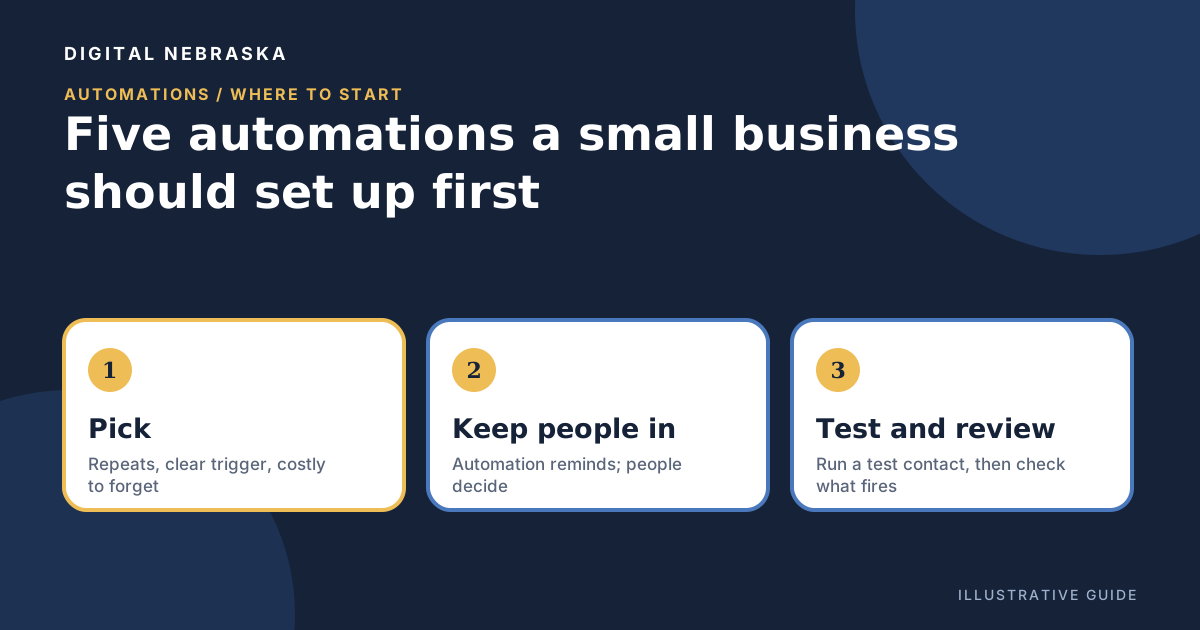
Automation sounds like a big project, but the best first ones are small. They take a follow-up step your team already means to do, like acknowledging a new inquiry, welcoming a new customer, or checking on an estimate, and make sure it happens every time, even during the week the shop is slammed. This guide works with whatever tools you use. The goal is fewer dropped balls, not fewer people.
How to pick what to automate
Good first candidates share three traits:
- It repeats. It happens every week, in roughly the same way.
- It has a clear starting event. A form comes in, a customer is added, a date arrives.
- Forgetting it costs you. A late reply or a skipped check-in means a customer waits, or quietly calls someone else.
Leave out anything that needs judgment every time: pricing a job, handling a complaint, deciding whether to make an exception. Those stay with a person. A handy rule of thumb: automation can remind, record, and send a standard message. People decide.
The five to set up first
1. New inquiry: acknowledge it and create a task
When someone fills out the form on your website, two things should happen right away. The person gets a short note saying you received their request and when to expect a reply, and someone on your team gets a task to actually reply. The acknowledgment buys you patience; the task makes sure the reply happens. Keep the note honest. Only promise "we'll call you back by the end of the next business day" if that is really true.
2. New customer: send a welcome
When someone becomes a customer, send a welcome that answers what new customers usually wonder: what happens next, how to reach you, and what to have ready. Keep it mostly practical. If you add a promotion, email rules come into play. The FTC's compliance guide points out that "Despite its name, the CAN-SPAM Act doesn't apply just to bulk email." Commercial messages need things like a clear way to opt out and your valid physical postal address, and the guide explains how to tell commercial content from transactional content. This is general information, not legal advice; check with an attorney for your specifics.
3. Stalled estimate: a follow-up task for a person
Estimates go quiet for plenty of ordinary reasons. The customer is comparing, busy, or waiting on a budget. Instead of an automatic "just checking in!" email, create a task for the person who wrote the estimate to follow up after a set number of days. They know the job and can answer questions a template can't. If your tool allows it, add an escalation so the owner hears about it when nobody follows up in time.
4. Birthday or anniversary-style touchpoints
A short, sincere note on a date that matters to the customer is a friendly way to stay in touch between jobs. Birthdays are the easiest to automate because many systems store them on the customer record. Other dates, such as the anniversary of a first visit or a yearly service, may not be built-in triggers in your tool, so check before you plan around them. Ask for dates only when customers are glad to share them, and keep the message about them rather than a sales pitch.
5. A weekly review task
Set a recurring task on the same day each week for one person to look over new inquiries without a reply, estimates still open, and anything the other automations flagged. This is the automation that keeps the other four honest.
Keep a human in the loop
For each automation, write down one name: the person who owns what happens after it fires. Automatic messages should tell the customer who they will hear from and how to reach a real person. Use tasks and staff notifications for anything that needs a decision, and let the automation handle only the reminder. If a customer replies to an automatic email, make sure that reply lands in an inbox someone actually reads.
Test before you turn it on
- Write the rule in plain words first: "When ___ happens, do ___, and ___ owns the next step."
- Create a test contact using your own email address and run it through the trigger.
- Check every step. Did the email arrive and read well on a phone? Did the task land with the right person? Did the tag or note show up on the contact?
- Try the awkward cases: a form with a blank field, a contact who already exists, a customer who has unsubscribed.
- Switch it on only after a clean test, and tell your team it's live.
Review what fires
An automation you set and forget will eventually send the wrong thing. During your weekly review, look at what actually ran. Are tasks getting done or piling up? Is any message out of date, with old hours, a staff member who has moved on, or last season's offer? Is anything firing twice? Turn off what isn't helping. A few automations your team trusts beat a dozen nobody checks.
If you'd like this in one place, Digital Nebraska's Digital Back Office includes automations that work on "when this happens, do that." Triggers include a submitted form, a new or updated contact, a lifecycle or deal stage change, a birthday, and a schedule; actions include adding a tag, creating a task, adding a note, sending an email, or posting a Slack message, with up to 10 steps and escalation if nobody follows up in time. Birthdays are built in as a trigger, and text-message steps live in follow-up sequences and booking reminders. Contacts, tags, custom fields, and each customer's timeline live in customer management, alongside ready-made welcome sequences in the email tools.
Not sure which follow-up slips through the cracks most often? Tell Digital Nebraska where things get dropped, and we'll talk through a sensible first automation.